BV3 Pro Dual Baby Car Camera for Two Kids

$79.99
camera color

GUARANTEED SAFE CHECKOUT

Shop Pay Mastercard Maestro Visa JCB PayPal Discover Diners Club American Express Apple Pay Google Pay Venmo

Free Shipping   Learn More

Enjoy free standard shipping on all orders. 

Title

30-Day Guarantee   Learn More

Shop confidently with our 30-day guarantee. 

Title

1-Year Warranty Included

+ Free 1-Year Extension with product registration.

Babyvue BV3 Pro Dual Baby Car Camera

Two Little Passengers.

One Clear View.

Made for Twins, Siblings, and Baby + Pet Rides

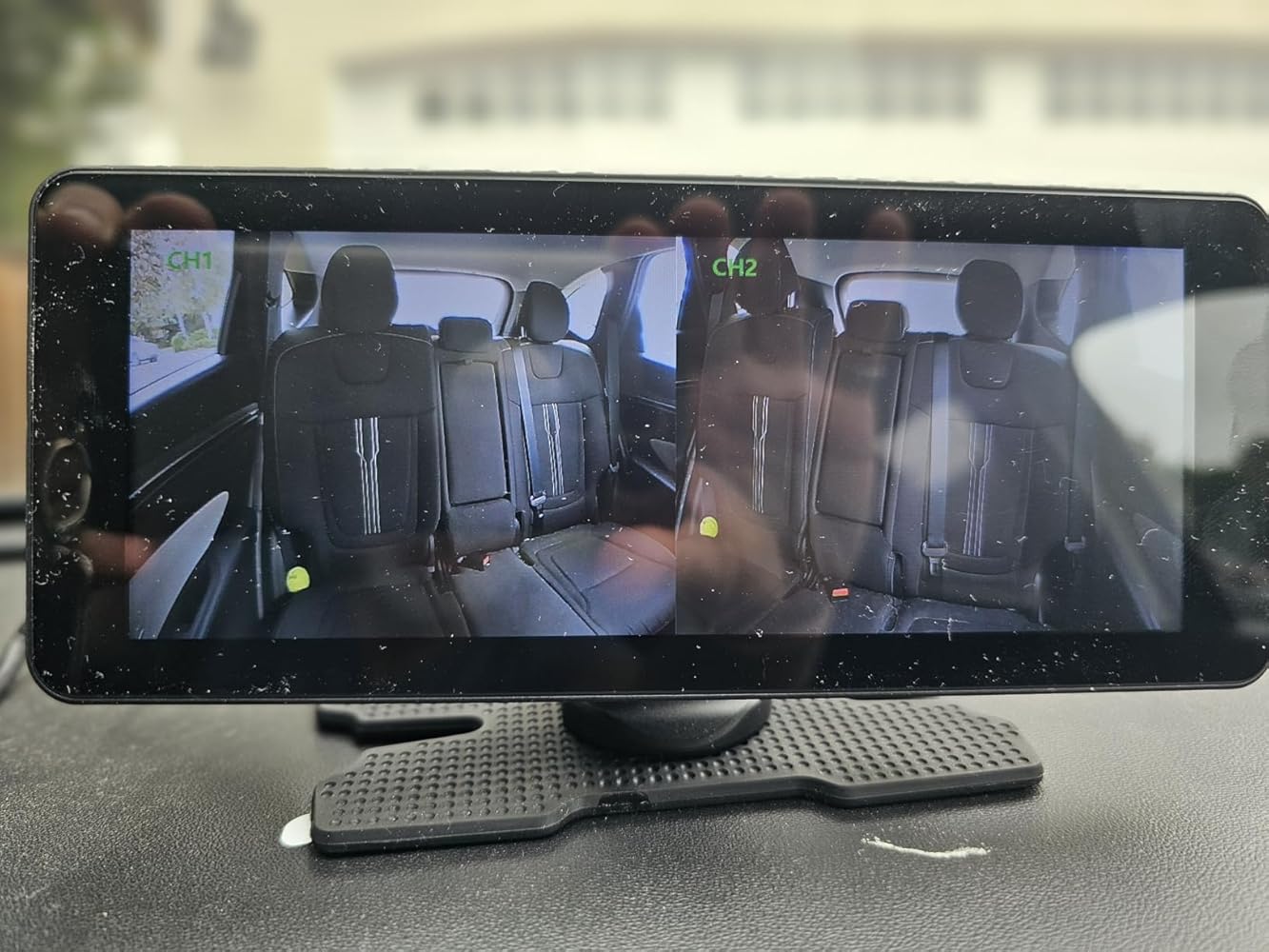
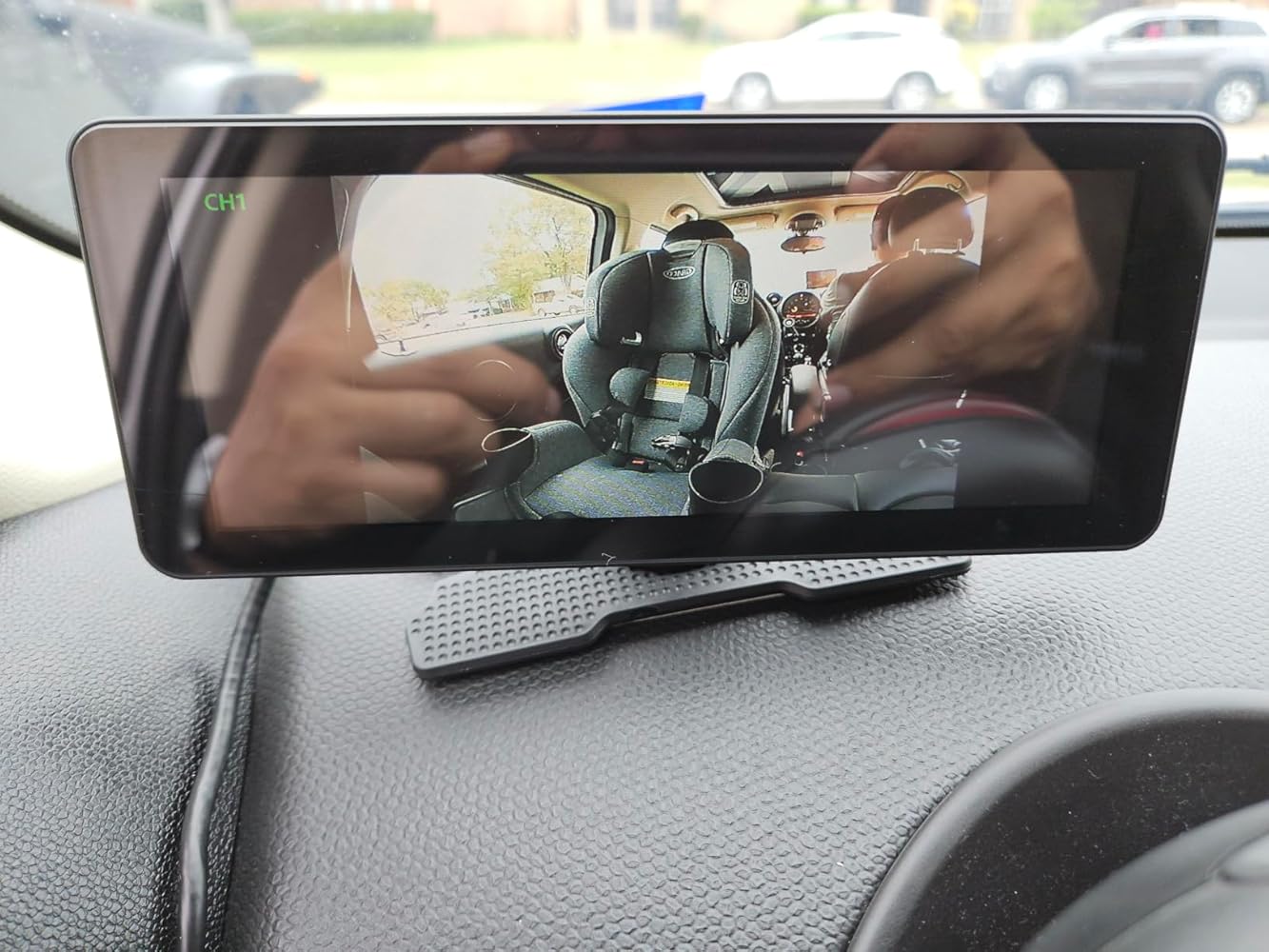
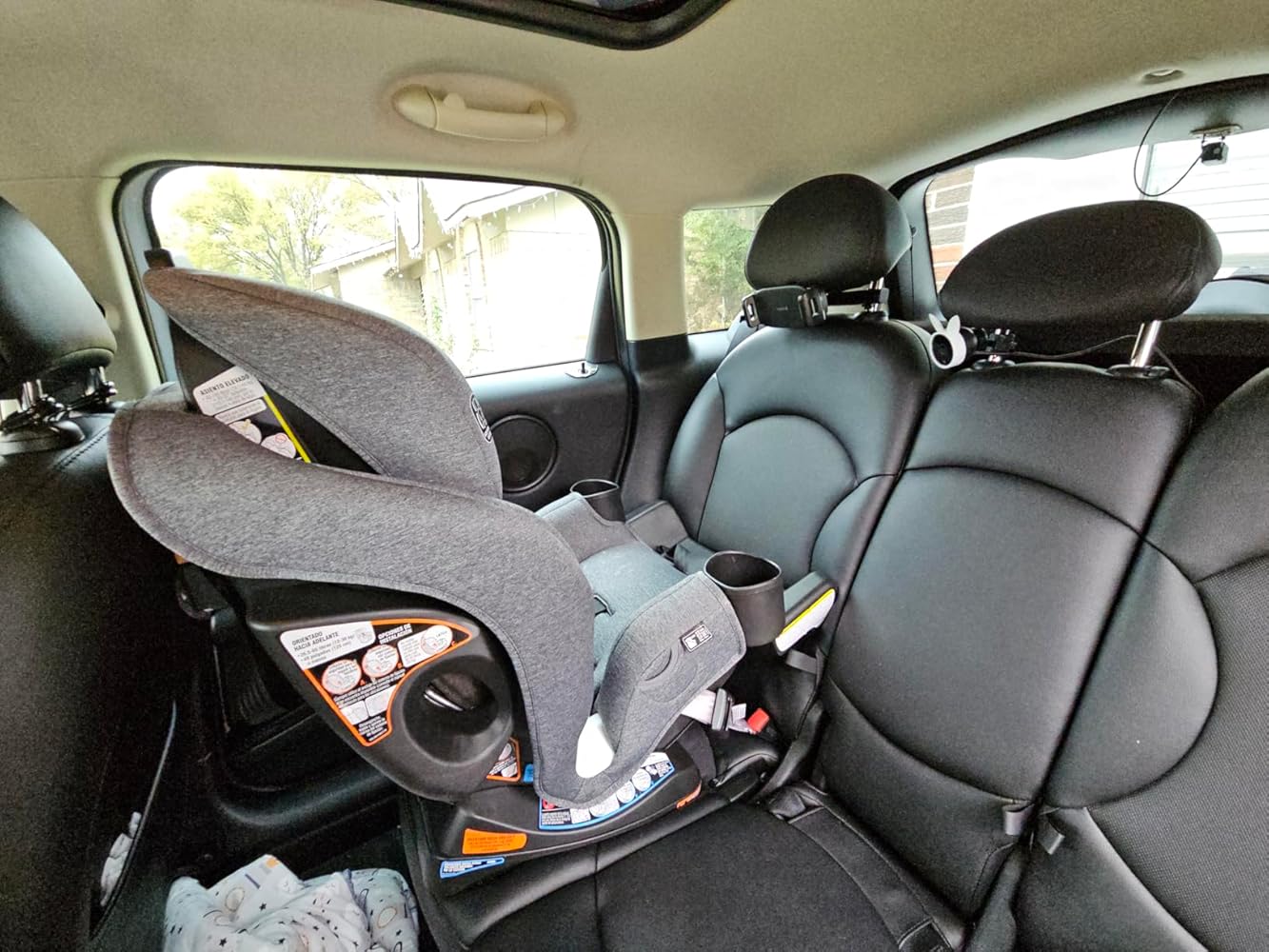
BV3 Pro is a split-screen baby car camera for families who need more than one rear-seat view. See two car seats, two siblings, or a baby and a pet without switching between cameras.

Two Cameras. One Split-Screen View.

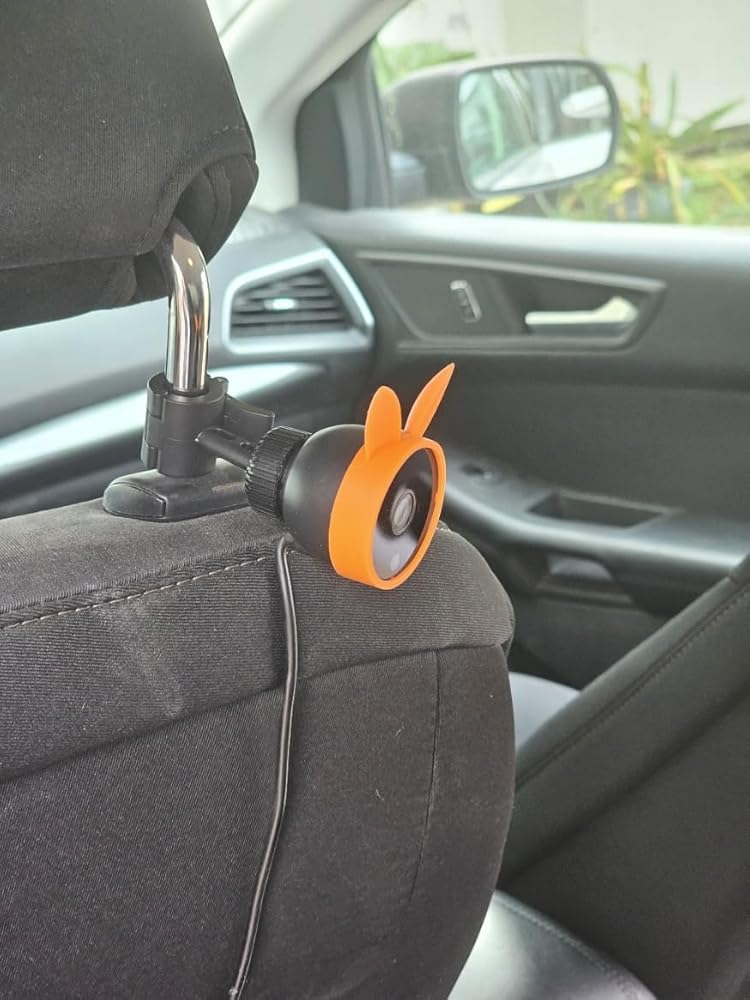
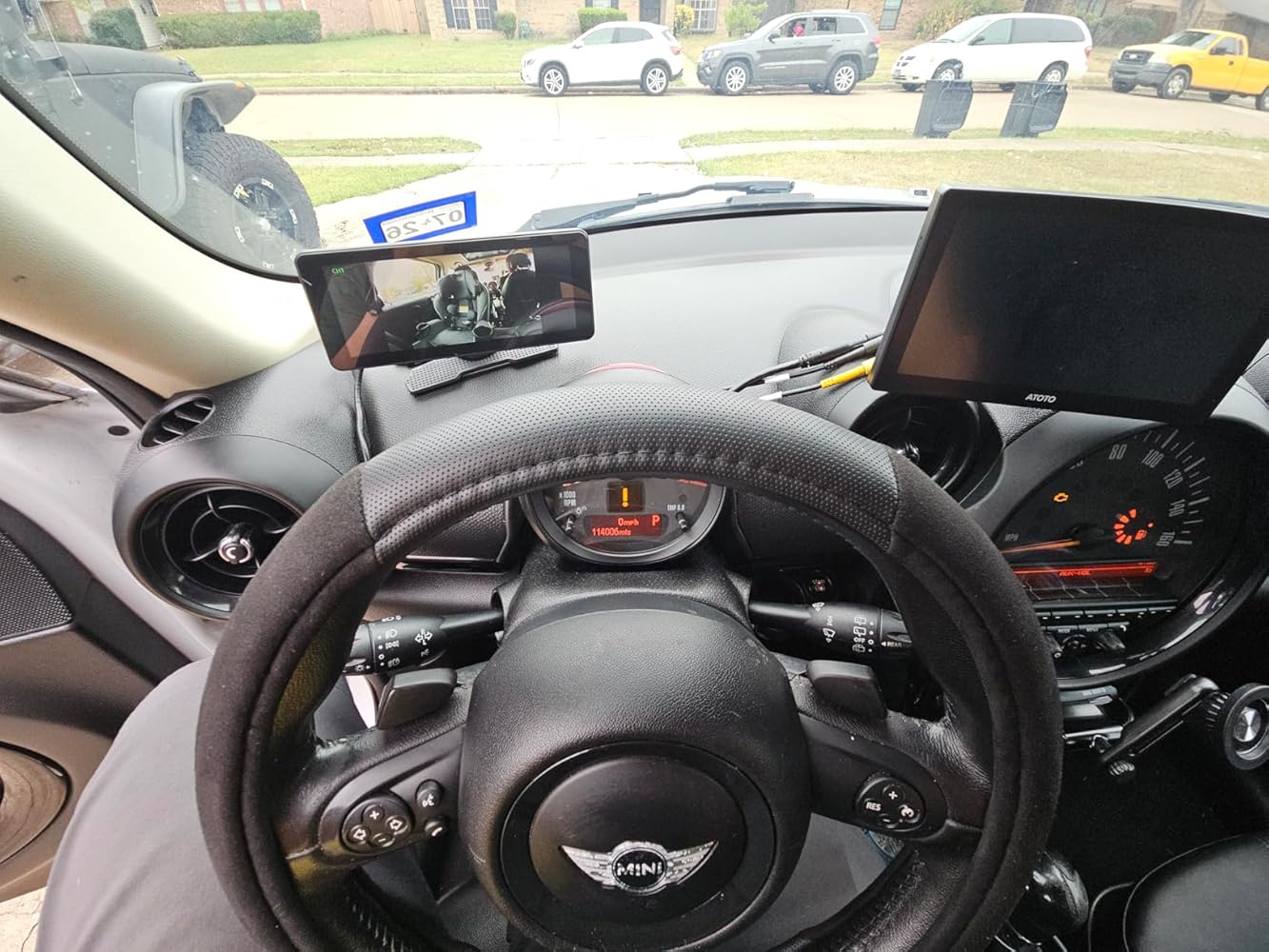
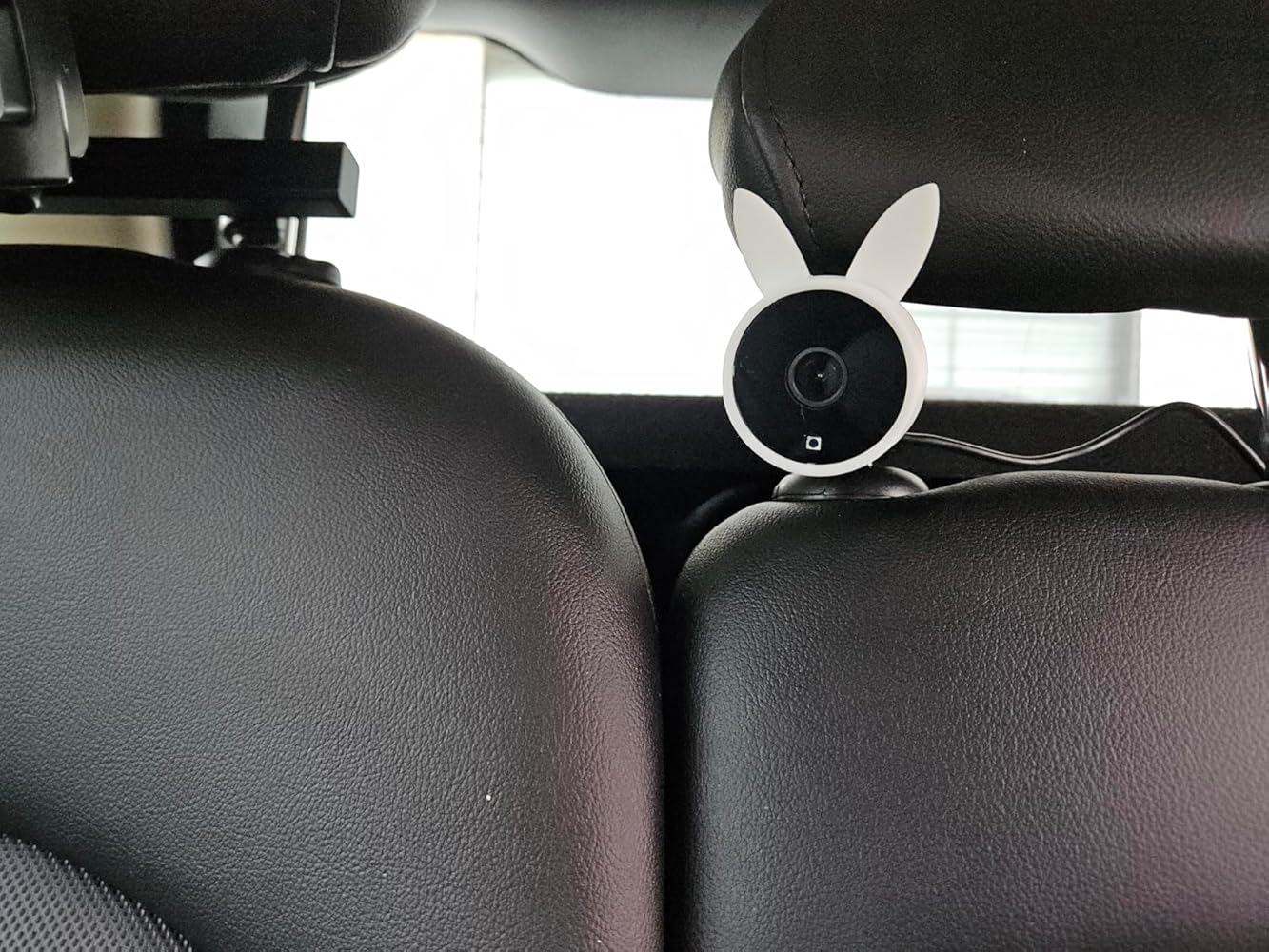
Connect two cameras to one monitor and see both rear-seat views at the same time. When both cameras are connected, BV3 Pro automatically enters split-screen mode.

A Fold-Down Screen for Calmer Checks  and Focused Drives.

A Wider Screen for Two Little Passengers.

Adjust the screen for a natural view, then fold it down to keep your dashboard clear.

The wide display gives both camera views the room they need. Check twins, siblings, or a baby and a pet more easily from one screen.

Color by Day. 
IR View by Night.

In daylight, BV3 Pro shows a color image. In low light, the cameras automatically switch to infrared night mode for a clear black-and-white view.

A Stable Wired View for Both Seats.

BV3 Pro uses direct wired connections between the cameras and display for a steady two-view setup. A practical choice for families who want reliable split-screen monitoring without relying on a wireless signal.

Set Up Two Views in Four Steps.

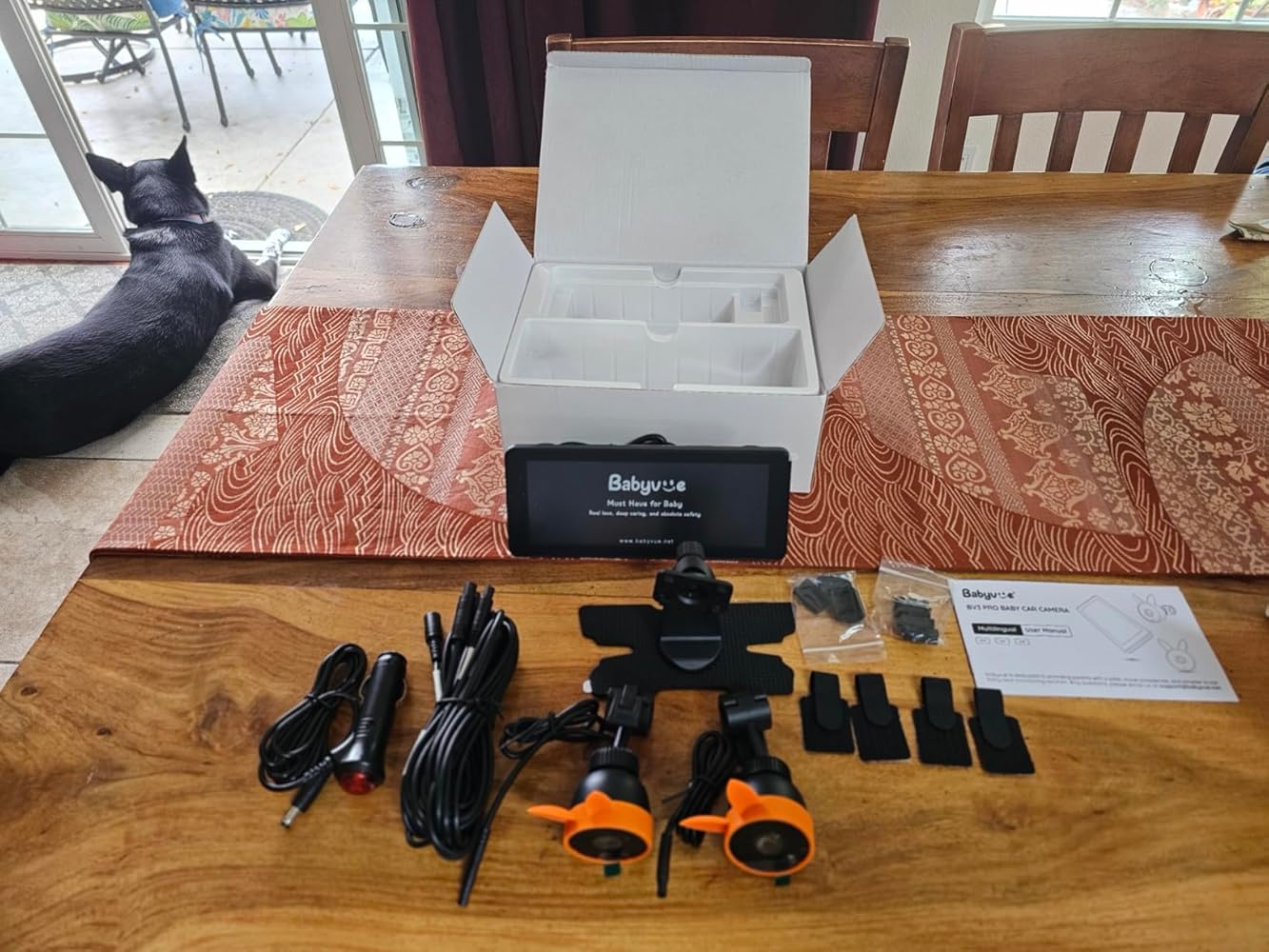
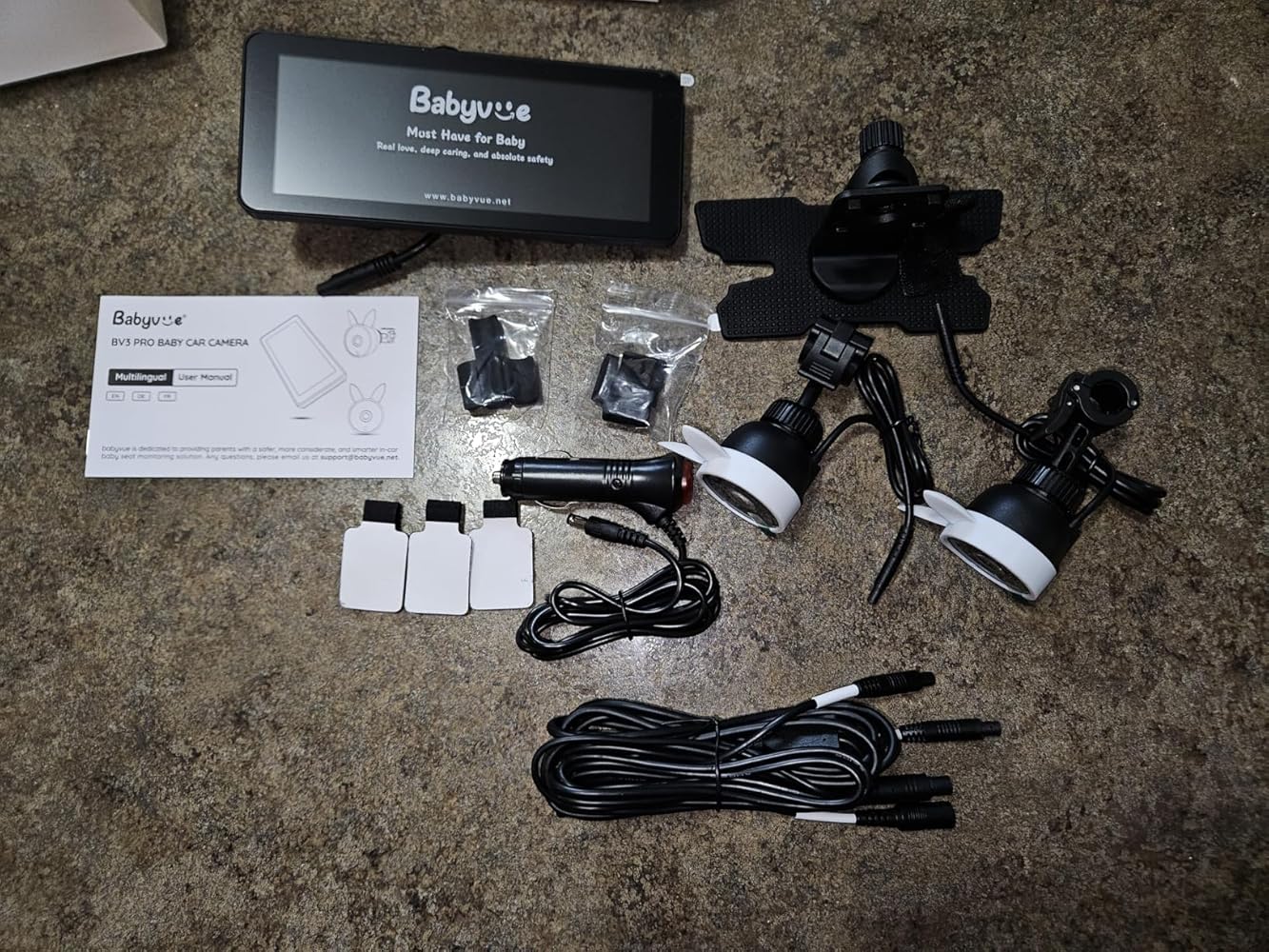
What's in the Box

BV3 Pro Baby car camera vs. the alternatives.

Babyvue BV3 PRO 

SINGLE-CAMERA OPTION 

Rear-Seat View

✔ Two camera views on one display

One camera view

Viewing Modes

✔ CH1, CH2, and split-screen

Single-camera viewing

Family Use

✔ Twins, siblings, or baby + pet

One rear-seat position

Connection

✔ Direct wired connection

Varies by model

Night View

✔ Automatic IR day/night switching

Varies by model

  • FAQs

  • Specifications

  • Support

Does the BV3 Pro need to be charged before use?

No. The BV3 Pro is a wired dual baby car camera and uses vehicle power while operating. Connect the included cable and car charger securely. If the system does not start, check the charger indicator, reseat every connector and test whether the M button opens the menu.


Related: BV3 Pro power troubleshooting.

What should I do if the BV3 Pro will not turn on?

Confirm that the power cable is connected and the vehicle socket is working. Reseat the display and camera connectors, check whether the charger indicator is on and press the M button to see whether the menu opens. If the display remains unresponsive, contact support with a short video.


Related: BV3 Pro troubleshooting.

How do I fix No Signal on the BV3 Pro?

Check that the wiring harness is fully seated and the car charger indicator is on. Reconnect each camera and gently press the connector while checking the display. If the image appears only when the connector is moved, the cable or connector may be faulty. Contact support if no image returns.


Related: BV3 Pro No Signal guide.

Can I get a replacement BV3 Pro camera, clip or power cable?

Replacement clips, cameras and power cables may not be listed for separate purchase. If the item is damaged within warranty, contact support with the order number, model and photos. Do not continue using a cable with a short circuit, exposed wire or damaged connector.


Related: contact Babyvue support.

Why does BV3 Pro night vision switch between day and night?

Clean the lens and light sensor, then cover the sensor briefly and listen for the camera switching. Compare the two cameras by swapping their positions. If one camera flickers, looks darker or does not switch correctly, record a short video and contact support.


Related: BV3 Pro night vision support.

What causes colored lines or an abnormal picture on the BV3 Pro?

Press the M button and check whether the menu itself looks normal. If the menu is clear but the camera image has lines or incorrect colors, the camera or cable may be involved. If the menu is also abnormal, the display may be involved. Send photos or video to support for diagnosis.


Related: contact Babyvue support.

Where can I find BV3 Pro installation and split-screen instructions?

Use the BV3 Pro section of the Setup & Support page for installation videos, cable routing, display controls and model-specific instructions. Following the correct guide helps prevent loose connectors, reversed camera positions and screen setup mistakes.


Related: BV3 Pro setup guide.

Can I flip or unmirror the BV3 Pro camera image?

The BV3 Pro does not include mirror/original image switching. Confirm that each camera is installed in the intended direction. If the view appears incorrect after checking placement, contact support to confirm whether the image is normal for the installation.


Related: BV3 Pro manual.

How long is the BV3 Pro warranty?

Babyvue products include a 12-month warranty. Register the product with an email address to receive an additional 12 months of eligible coverage, for up to 24 months total. Keep the order information and contact support if a power, camera, cable or display fault develops.


Related: register your Babyvue product.

More questions? See our full FAQ

BV3 Pro Baby car camera

Screen Size: 7.2 Inches

Display Resolution: 1280 x 480 Pixels

Compatible Devices: Car/SUV/MPV/Pickup

Installation Type: Clasp Mount

Night Vision: 850nm IR, Black-and-White Image

Monitor&Camera Cable Length: 22ft

Video Capture Resolution: 1080p

Operating Temperature:  -20°C to +65°C 

Product Manual

View Manual

Tutorial video

View Video

Contact Us

Submit

BV3 Pro Dual Baby Car Camera for Two Kids